


Master depositions.
Build winning arguments.
Manage transcripts and designations, connect testimony to evidence, build visual chronologies, and present your story — with litigation software designed for how you actually work.


Litigation software that connects every piece of your argument
Transform scattered evidence into persuasive presentations. Link exhibits to testimony, build chronologies that tell your story, and present with confidence — all in one platform.
Manage depositions from review to presentation
Review testimony synced with video, make page-line designations, record objections, and add notes in real time. Generate AI transcript summaries to get to the heart of a deposition in seconds. Export video clips or transcript excerpts instantly. Everything you need to master depositions.


Build chronologies that reveal your narrative
Link facts, issues, witnesses, and documents with intuitive case chronology tools. Tag key events, add custom fields, and create connections between evidence as you discover them. Track what matters, see patterns emerge, and build your story as the evidence grows.

Turn chronologies into compelling timelines
Transform your fact chronology into visual timelines that make complex cases clear. Customize layouts, filter by issue or witness, and create multiple views for different audiences. Export graphics for briefs or presentations. Make judges, arbitrators, and juries see what you see.
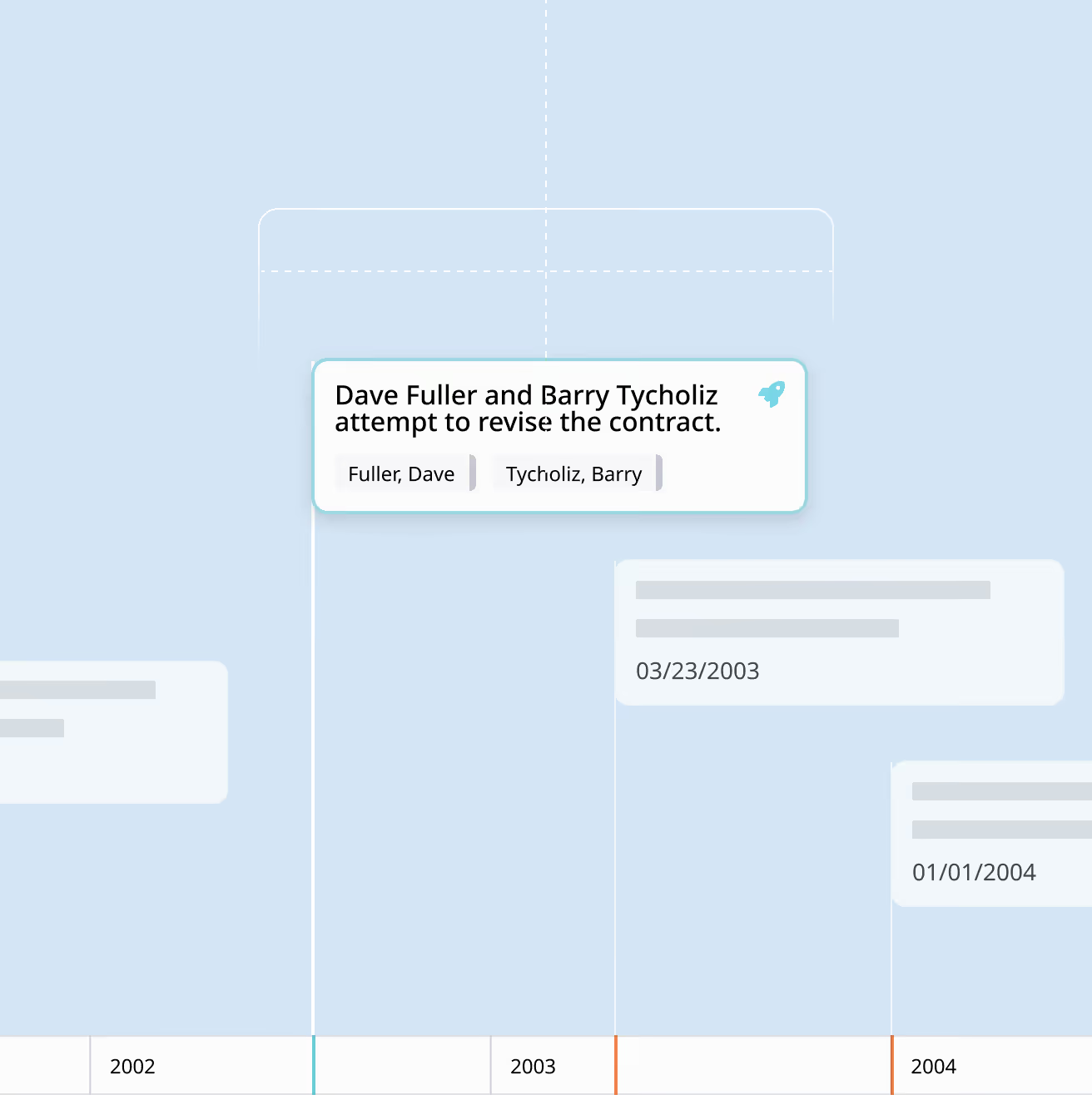
Deliver your argument with our Theater Mode
Present exhibits, depositions, and timelines with confidence in courtroom or Zoom hearings. Pull up documents instantly, create callouts and highlights on the fly, play video testimony, and zoom in on critical details. Navigate your entire case without fumbling through files or losing momentum.




Why legal teams choose Nextpoint for case building
Litigation software doesn't need to be complicated to be sophisticated. Nextpoint gives you tools that make sense and make an impact.

From discovery through trial
Handle the entire litigation lifecycle in one platform. Upload evidence for discovery that becomes exhibits in your chronology. Deposition designations link directly to relevant documents. Case building flows naturally from document review without switching tools or losing context.
%201.svg)
Work together from anywhere
Share case files, designations, and chronologies across your team in real-time, with a centralized evidence dashboard to track your progress. Assign trial prep tasks and ensure everyone works from the same source of truth. Watch your narrative unfold in one collaborative workspace.

Built for trial prep, perfected over time
We've been refining litigation software for 20+ years based on real trial team experience. Every workflow, feature, and shortcut exists to help litigators work smarter, not harder. The software feels intuitive because it was built by people who understand trial prep.

No learning curve for your team
Attorneys, associates, and paralegals will be productive from day one. Intuitive interface, keyboard shortcuts, and smart workflows mean less training and faster trial prep. Focus on strategy, not struggling with software. Plus, extensive support when you need it.
Expert support when you need it most
Preparing for trial and need extra hands? The Nextpoint services team
provides specialized trial preparation support exactly when you need it.

Streamlined coordination
Comprehensive trial preparation infrastructure across exhibit management, objection tracking, electronic sticker application, courtroom database development, and witness support. We coordinate the details so you can focus on strategy.

Technology planning
Strategic guidance on courtroom technology, hardware setup, and trial presentation workflows. Our consultants design technology solutions tailored to your case, venue, and presentation style — ensuring everything works flawlessly when it matters most.

Demonstrative creation
High-impact trial graphics, animations, and visual presentations developed through our proven creative process. From opening statements to expert witness exhibits, we turn complex information into compelling visual narratives that judges and arbitrators understand instantly.

Trial support staffing
Experienced trial technology consultants, graphic designers, and hot seat operators available remotely, at your office, or in the courtroom. Our proven professionals integrate seamlessly with your trial team to deliver flawless technical execution.
Case building for any litigation matter
Nextpoint case building software scales from straightforward disputes to massive multi-party litigation, with specialized features for complex trial preparation.

Tag
Construction Litigation
Manage multi-party disputes with witnesses across owners, contractors, subcontractors, and experts. Associate testimony with RFIs, change orders, and project documents. Build chronologies tracking project delays and cost overruns. Present technical drawings alongside deposition testimony.

Tag
Mass Tort
Track common testimony patterns across hundreds of plaintiff depositions. Build master chronologies showing product development timelines or corporate knowledge. Search across all case files to find similar testimony instantly. Create reusable presentation templates for efficiency across serial cases.

Tag
IP Litigation
Review technical expert testimony alongside prior art, patent claims, and source code exhibits. Build chronologies tracking invention dates and disclosure events. Organize complex technical depositions with precision. Present highly technical evidence clearly for judges and juries.

Tag
Insurance Defense
Efficiently prepare for multiple trials with consistent workflows. Recreate chronology templates across similar cases. Track plaintiff testimony for impeachment opportunities. Build trial presentations quickly without starting from scratch each time.

Tag
Commercial Litigation
Build contract chronologies showing performance, breach, and damages. Review witness testimony alongside financial records and email evidence. Create timelines demonstrating business relationship development. Present complex commercial disputes clearly and persuasively.

Tag
Employment Litigation
Organize employee and manager depositions by topic and allegation. Track testimony about policies, complaints, and investigations. Build chronologies showing employment history and key events. Pair testimony with emails, HR records, and policies for powerful presentations.










Advanced capabilities for complex cases
When cases get complicated, Nextpoint gives you sophisticated case building tools to handle any challenge.

Intelligent Transcript Summaries
Get to the heart of a deposition in seconds with AI summaries. Choose narrative overviews, chronological sequencing of events, or table of contents outlines to quickly focus your review. Save hours per transcript to prioritize work that moves cases forward.
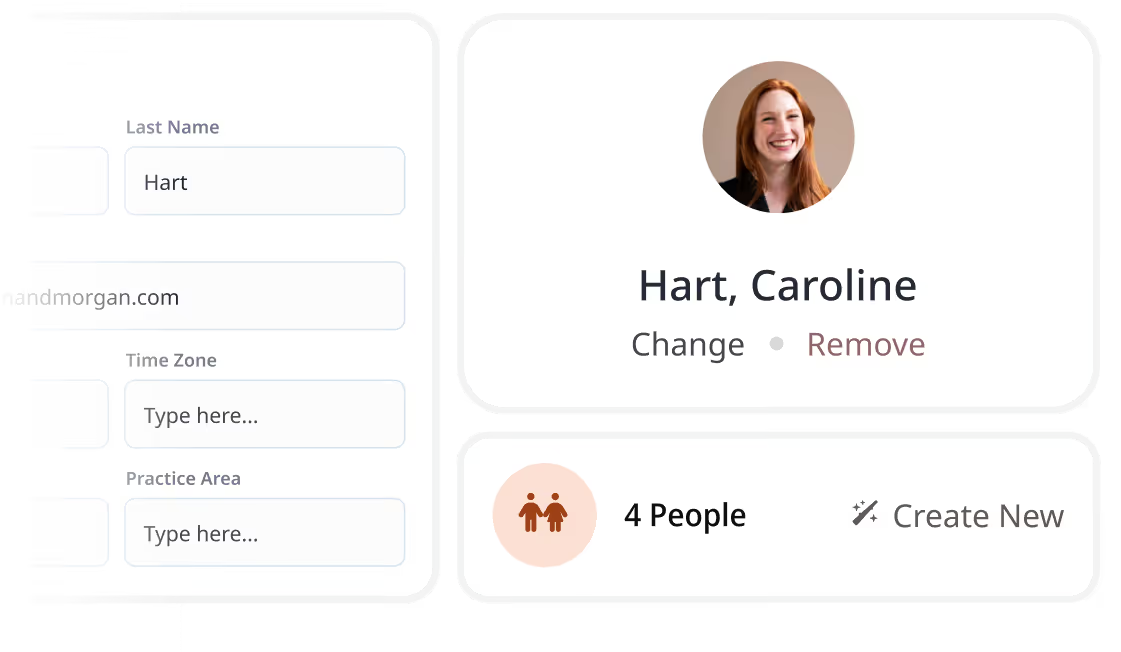
Manage witnesses and profiles
Create comprehensive witness profiles with connections to documents, testimony, and key facts. Track what each witness said across multiple depositions. Build witness files that tell the complete story — perfect for cross-examination prep.
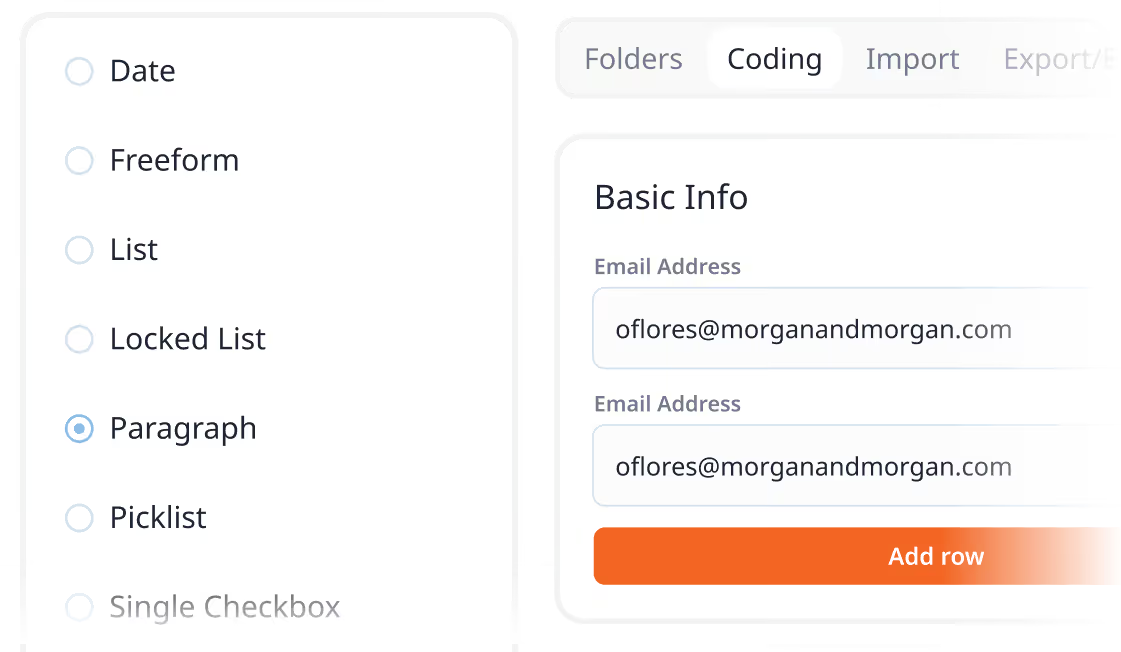
Customize fields and workflows
Adapt Nextpoint to your case needs with custom fields and objects. Create new data types on the fly as your case evolves. Track what matters to your specific litigation without fighting rigid templates.

Stamp and organize exhibits
Apply custom exhibit stamps with ease, organize exhibits by witness or issue, generate instant exhibit lists, and maintain consistent numbering across your case. Create production-ready exhibit sets for trial or hearings in minutes, not hours.

Analyze transcripts with video sync
Review depositions with text and video perfectly synchronized. Click any line of text to jump to that moment in the video. Create video clips from your designations and export for presentations or impeachment reels.
Generate tailored reports
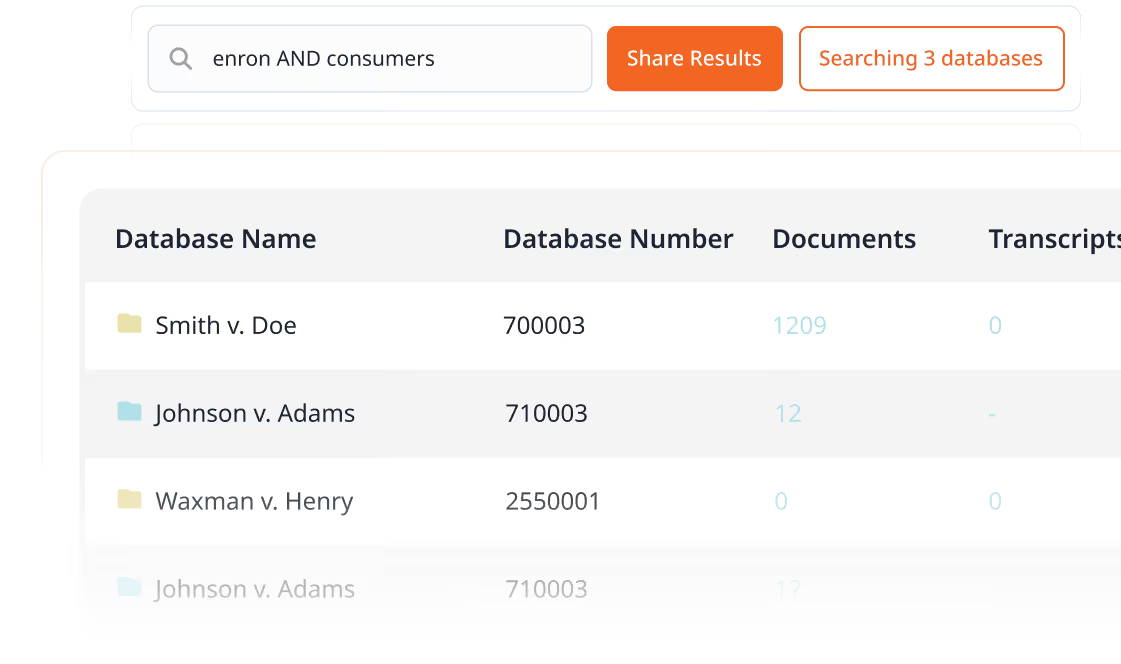
Generate reports for individual transcripts or across multiple depositions. Print any view using adaptable templates. Export chronologies and fact lists with associated exhibit numbers. Create custom trial notebooks without manual copying and pasting.
Real teams, real results with Nextpoint case building software






Nextpoint offers significant advantages, starting with its seamless transition from discovery to litigation, and culminating in enhanced courtroom efficiency. One of Nextpoint's standout features is its robust organizational tools, which let users sort information by facts, people, and issues in alignment with the trial process.
Jodi Renner, Litigation Paralegal
Maron Marvel Bradley Anderson & Tardy LLC
Having everything in Nextpoint made it easy for me to get ready in a very short amount of time to take the depositions. It was a very convenient way to get three different firms involved and all working together on discovery and trial prep, for everyone to have access at the same time.
Lauren Handel, Founder and Principal Attorney
Handel Food Law
With 400 transcripts, the designation process can bury you if you don’t have the right tool. Nextpoint is intuitive and allowed the team to easily edit designations, counters, and objections all in one place.
Cristina Delise, Of Counsel
Burns Charest LLP
It was a week-long arbitration, and the other side was using only standard PDF files. The arbitrator could see the opposing counsel’s desktop on the courtroom screen and there was a dramatic disparity in presentation and professionalism between their exhibits and ours.
Ashish Mahendru, Founding Partner
Mahendru P.C.
Nextpoint is a very easy to use and convenient trial presentation software that works great for Zoom depositions and hearings. Also, the Nextpoint team is very responsive and invested in its customers.
Kate Frenzinger, Partner
Rusing Lopez & Lizardi, PLLC
Master trial preparation
Explore guides and articles designed to make you more effective at depositions, case building, and trial preparation.
checklist

checklist
Everything you need to prepare your case for trial, hearing, or arbitration — from discovery through the verdict
Blog

Blog
Discover how trial prep software and trial presentation tools can help you build and deliver a winning argument.
EGUIDE

EGUIDE
Get essential tips for accurately and efficiently managing your deposition transcripts with modern technology
Frequently asked questions about Nextpoint case building software
Experience Nextpoint for yourself
Learn how our transparent pricing and powerful platform help legal teams streamline litigation from discovery to decision.