

Native files in litigation: What every lawyer needs to know
Everything you need to know about collecting and reviewing native files in litigation when accepting evidence from another party.

What is a native file?
It’s one question we hear time and again from many clients, or “Do I really need natives in litigation?” Most litigators have heard that the native file format is important in modern litigation. However, many eDiscovery reviewers never even see or use a native file in their work.
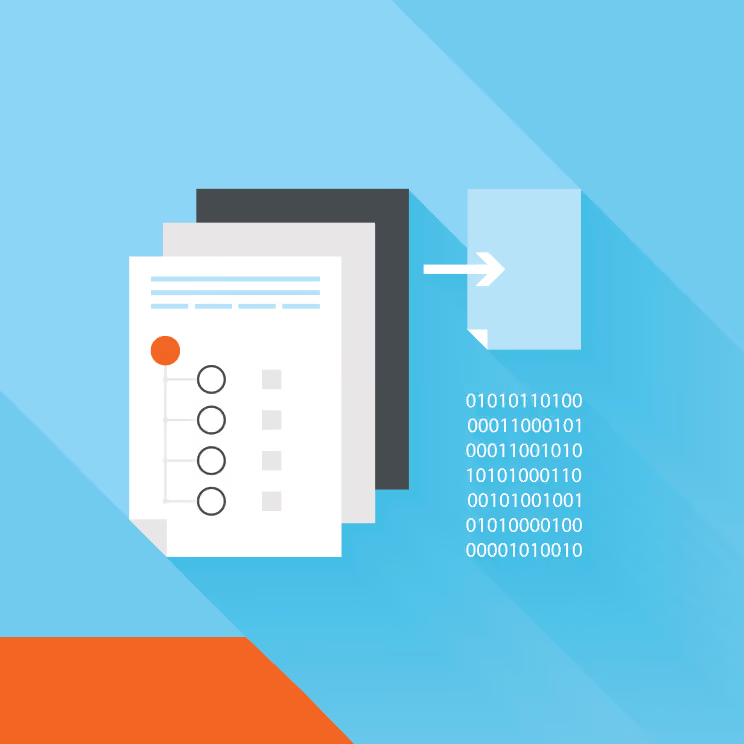
The short answer is that a native file is the true document or file. That is the original Word document, spreadsheet, or Outlook email as it was found on a computer or device in its native format. An imaged document, as you may have guessed is merely a rendered image of that native file. An image is an exact copy of the original, but it’s not in the native file format.
Get to know your native files in litigation
- Native files are the actual files from a custodian’s computer, such Microsoft Word or Excel files, or emails taken directly from an email server in their native file format.
- Image files are the visual representation of these files, usually in PDF, TIFF or JPEG format.
- If there are paper copies of documents, they are usually scanned to one of these formats as well.
Now, Nextpoint’s processing engine can handle a variety of file types, including native file formats and imaged files. However, we tell our clients to make sure they are requesting a load file when accepting evidence from another party regardless of the format.
A load file is the file used to import data and identifiers of that data (coded, captured or extracted data from ESI processing) into a database. These load files carry all of the essential information about your data – where it came from, where it resides, and pointers to associated metadata.
While it is common to receive productions with images of files, it is important to request a load file with those images so that you can match imaged files to the original, native file format. Because you cannot stamp a native file without altering the data, Nextpoint creates a separate XML or CSV file showing a unique document ID to identify and track natives files in litigation.
Best practices for handling native files
The existing caselaw and Federal Rules of evidence demand that evidence in litigation must be kept in a “reasonably usable” format. It is reasonable to expect non-native files in many matters. However, if evidence is challenged or needs to be authenticated, native or “native-like” copies will be necessary.
A reasonably usable format (other than native) should include full metadata for all relevant fields and full text, along with an image showing all hidden information, such as comments and tracked changes. But native files remain the most useful and complete record of your evidence available.
Want to know about native files and productions in ediscovery? Here’s a great post about how to do it correctly.
If you have any questions or comments about the role of native files in litigation, you can download our free ediscovery guide: eDiscovery Collection Best Practices.
Join our Nextpoint newsletter list
Related Resources
Blog

Blog
Learn why mobile ediscovery collection requires more than a camera roll, and what defensible collection actually looks like in 2026.

Blog

Blog
Emojis in ediscovery and litigation are more prevalent than ever — how lawyers collect and review these symbols can make or break a legal case.
Blog

Blog
Construction litigation discovery budgets rarely blow up by surprise. Five specific mistakes cause it, and you can catch every one early.
Experience Nextpoint for yourself
Learn how our transparent pricing and powerful platform help legal teams streamline litigation from discovery to decision.